

Sign In
Bamboo Payments Panel
The Bamboo Payments Panel is a web platform designed for day-to-day payment operations management. Through this interface, merchants can monitor their transactions in real-time, manage refunds, and generate payment links for their customers.
Available Languages: English, Spanish and Portuguese.
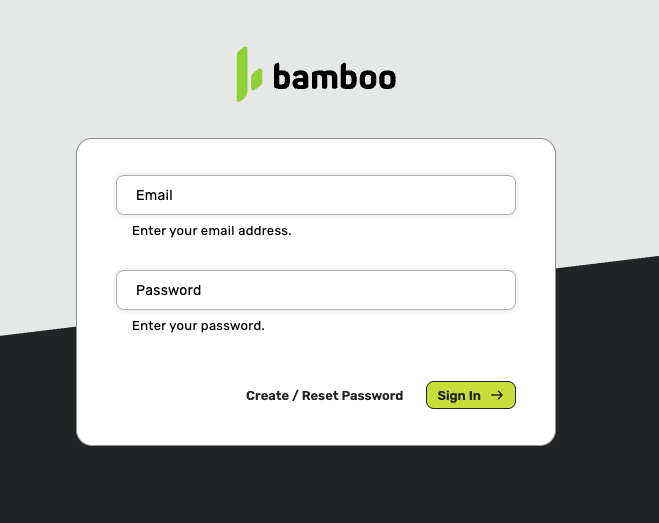
The sign-in screen is your gateway to the system.
Accessing the Panel
To access the Panel, follow these steps:
- Enter your email address in the “Email” field
- Enter your password in the “Password” field
- Click the green “Sign In” button to log in
-
Password Recovery
If you’ve forgotten your password:
- Click on the “Create / Reset Password?” link located at the bottom of the form
- Enter your email address
Migrating from SiemprePago
Activation Process
- Bamboo will activate merchant accounts to enable access to the new panel
- Each user within the merchant’s organization automatically receives an email containing:
- Access link to the new Panel
- Temporary password (valid for 1 year)
First Access
- Access using the received link
- Sign in with your usual email and the temporary password (expires one year after activation)
- The system will prompt you to change your temporary password to a new one
Updated 11 months ago
Did this page help you?